 subverge
Pictures
- The gallery
- Bitmaps
- Drawing
- The built-in pictures
- All the pictures
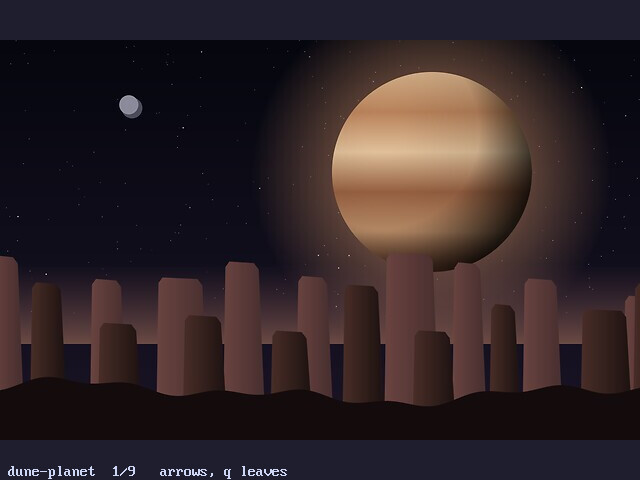
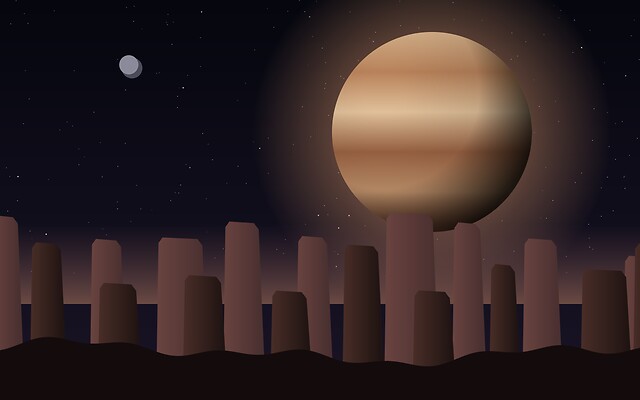
- dune-planet
- dusk-ridge
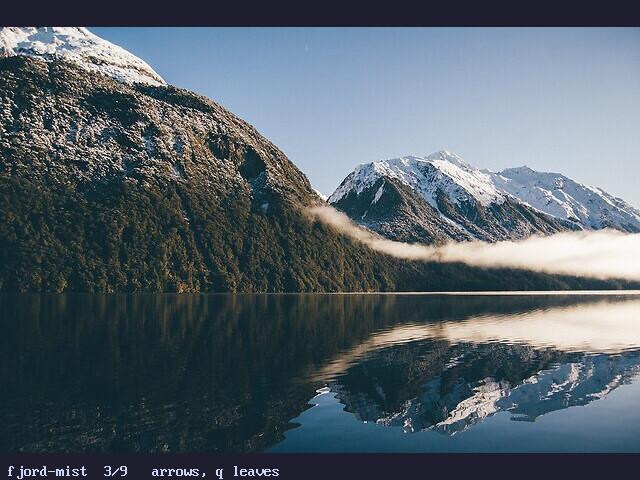
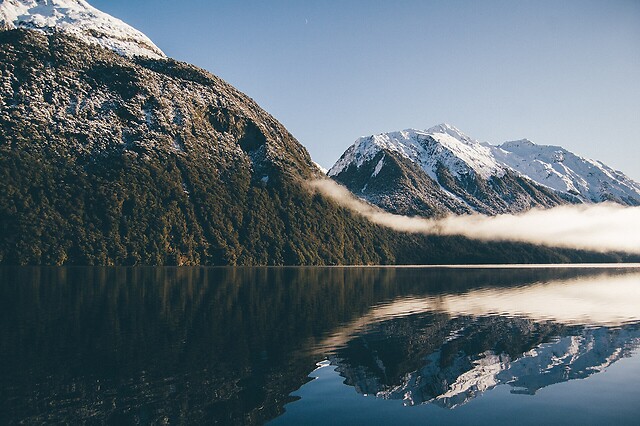
- fjord-mist
- golden-coast
- gretagen
- misty-meadow
- mountain-lake
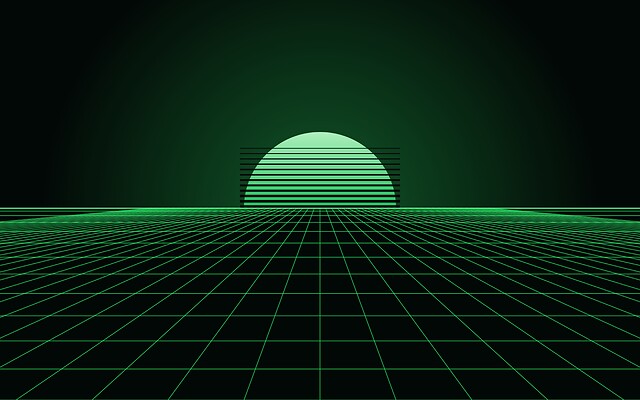
- phosphor-horizon
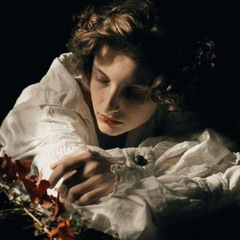
- texivi
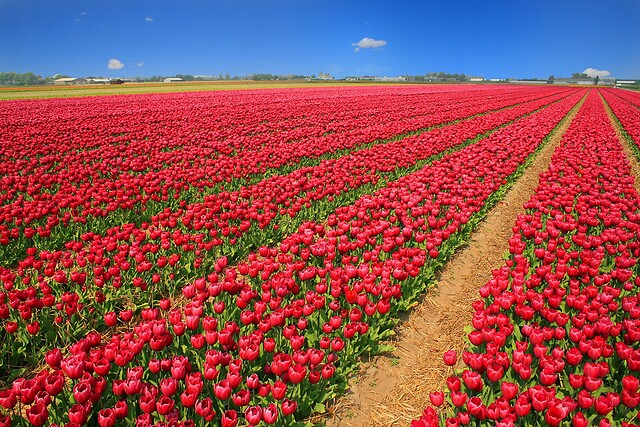
- tulip-rows
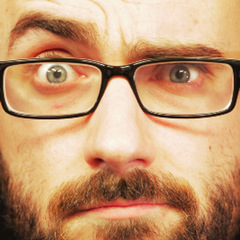
- vsauce
- Adding a picture
Subverge can draw full-colour pictures on the graphics screen. There are two parts: bitmaps, which are pixel grids that a program fills in and draws, and the pictures built into the system, which decode into bitmaps. gallery shows the built-in pictures, and credits shows three of them next to the credits.
All of it needs graphics mode, which needs QEMU's default -vga std display. See screen.
The gallery
gallery
draws the pictures one at a time, each at its own size on the 640 by 480 screen. The right and down arrows, Space and n go to the next one, the left and up arrows and p to the one before, and q, Esc or Ctrl-C leave. The name and the position are printed at the bottom. Decoding takes a moment, so a picture appears shortly after the key. pictures lists the names:
pictures
Every picture is a JPEG that was scaled to fit in 640 by 480 when the system was built, and the kernel decodes it with its own decoder. Colours are kept as 24-bit values, so a photograph is shown as it is and is not reduced to a palette.
Bitmaps
A bitmap is a width, a height and one colour per pixel, kept by the kernel and named by a number from 0 to 15. A colour is one number, 0xRRGGBB, with each part from 0 to 255. pack-rgb builds one from its parts.
| Word | Effect |
|---|---|
bitmap |
w h -- id, a new black bitmap |
bmp-set |
id x y rgb --, sets a pixel |
bmp-get |
id x y -- rgb, reads a pixel |
bmp-fill |
id rgb --, fills the whole bitmap |
bmp-box |
id x y w h rgb --, fills a rectangle |
bmp-size |
id -- w h |
bmp-show |
id x y --, draws the bitmap with its top-left corner at x, y |
bmp-free |
id --, gives the bitmap back |
pack-rgb |
r g b -- n |
picture |
name -- id, decodes a built-in picture into a new bitmap |
pictures |
-- list, the names of the built-in pictures |
A bitmap is at most 2048 by 2048. There is room for 16 bitmaps at a time, shared by all four tabs, and a bitmap stays until bmp-free is run on it. Pixels outside a bitmap are ignored by bmp-set and read as 0 by bmp-get. bmp-show cuts off whatever falls outside the screen, and fails with graphics mode is off, run gfx first when gfx isn't running.
Drawing
gfx
200 100 bitmap { b }
b 0x102030 bmp-fill
b 10 10 180 80 0xFFC040 bmp-box
b 50 50 100 pack-rgb ->c
b 100 50 c bmp-set
b 20 20 bmp-show
key drop gfx-off
Locals such as b last for one line, so a longer program is a word, and a bitmap number can be kept in a definition. A bitmap is drawn in one step, so changing it and drawing it again with bmp-show is the way to animate:
[ gfx 64 64 bitmap { b }
  0 64 [ { y } 0 64 [ { x } b x y x 4 * y 4 * 128 pack-rgb bmp-set ] for ] for
  b 288 208 bmp-show
  key drop b bmp-free gfx-off
] :gradient
The built-in pictures
picture takes one of the names from pictures.
The photographs and the people who made them are in credits. The three drawn ones were made with a small generator and are not photographs.
gfx "tulip-rows" picture { b } b 0 106 bmp-show key drop b bmp-free gfx-off
Decoding allocates the bitmap, and its memory comes back with bmp-free. A picture that is not baseline JPEG is refused with that picture could not be read, which only matters for pictures added to the source tree in art/.
All the pictures
Every built-in picture, as gallery shows it:
dune-planet
dusk-ridge

fjord-mist
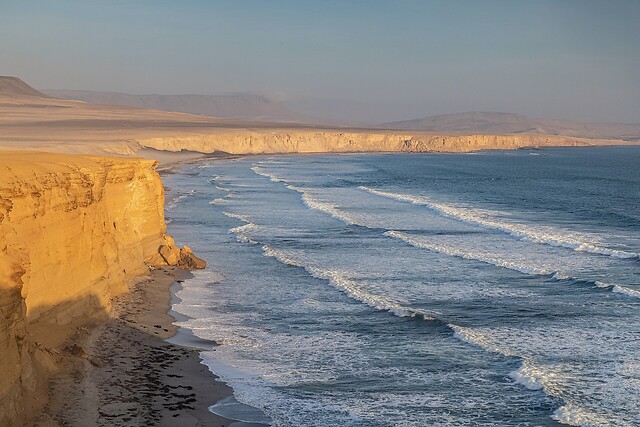
golden-coast
gretagen
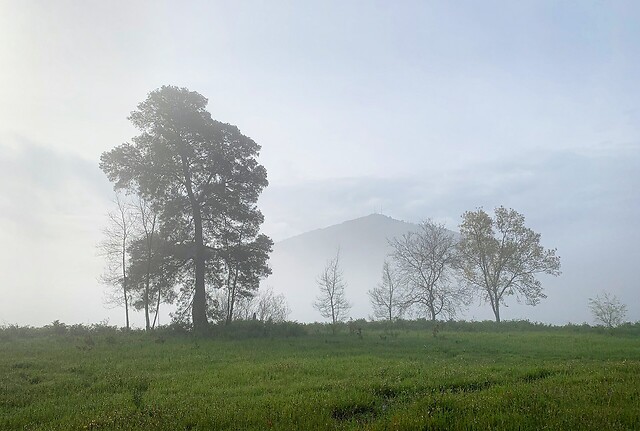
misty-meadow
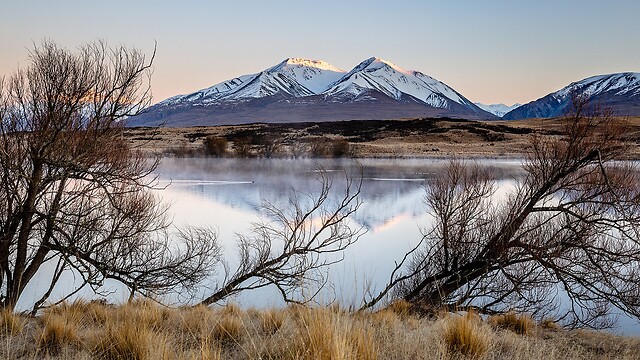
mountain-lake
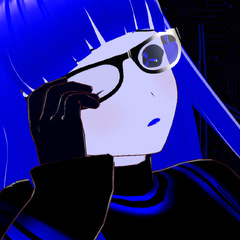
phosphor-horizon
texivi
tulip-rows
vsauce
Adding a picture
Put a baseline JPEG in art/ in the source tree, no larger than 2048 by 2048, and rebuild. The file name without .jpg is the name for picture. A 4:2:0 or 4:4:4 JPEG without progressive coding works, and ImageMagick makes one with -interlace none. Every picture adds its size to the kernel, and an installed disk keeps the kernel in 2 MiB, so a few hundred kilobytes each is the budget.
See screen for the other graphics words, apps for the programs and errors if a line fails.